
If you are serious about building your dividend snowball, you likely spend a lot of time analyzing charts, tracking payouts, and researching ETFs like VOO, SCHD, or JEPQ. For years, the TradingView web browser version has been the gold standard. But in 2026, the TradingView Desktop App has taken things to a whole new level.
Is it just a web wrapper, or is it actually better than the browser version? Let’s dive into the ultimate TradingView Desktop review for 2026.
What Makes TradingView Desktop Special?
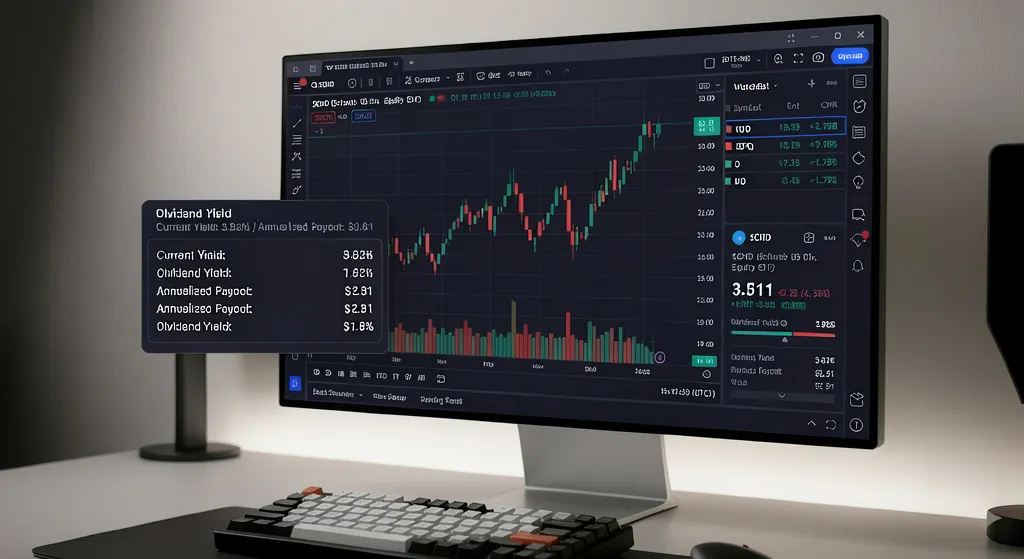
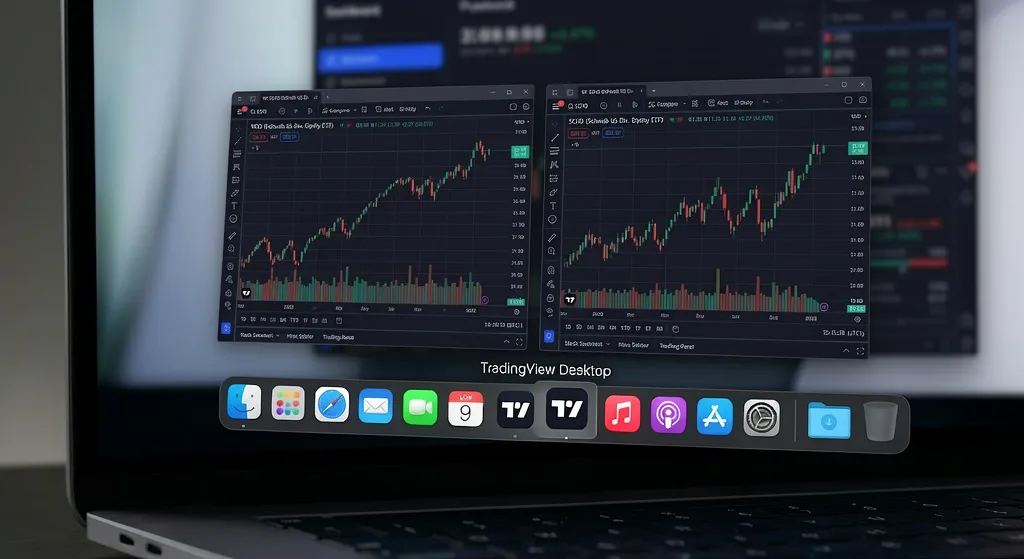
At first glance, the desktop app looks exactly like the web version. That’s intentional. The learning curve is zero. However, under the hood, the TradingView Desktop app is built for maximum efficiency and speed.
Unlike a browser tab that constantly fights for resources with your email, YouTube, and 50 other open tabs, the desktop app is an isolated, dedicated environment. It utilizes your computer’s native framework, meaning it’s faster, more responsive, and designed for heavy multi-tasking.
Desktop vs. Web Browser: The Ultimate Performance Test
When you are tracking a global dividend portfolio, performance matters. Here is where the desktop app crushes the browser version:
- RAM Efficiency: Browsers like Chrome are notorious memory hogs. If you run multiple heavy charts with advanced indicators on a browser, your computer will eventually slow down. The desktop version is highly optimized to consume significantly less RAM, keeping your system running smoothly.
- Zero Browser Crashes: We’ve all been there—accidentally closing a browser window and losing our carefully arranged chart layouts. The desktop app eliminates browser-related crashes and accidental tab closures.
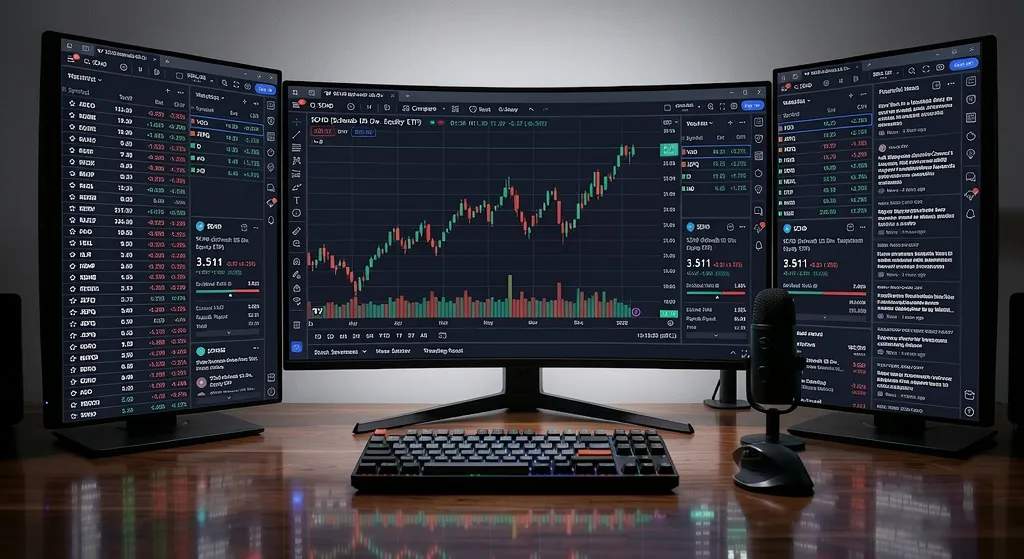
- Native Multi-Monitor Support: This is the absolute game-changer. You can tear off tabs and drag them across multiple monitors seamlessly. It feels incredibly fluid compared to dragging browser windows around.
Top Features You’ll Love in 2026
The 2026 version of the desktop app comes packed with features designed for professional workflows:
- Auto-Syncing Across Devices: Everything you draw, highlight, or set up on your desktop app instantly syncs to your mobile app and web account.
- Tab Linking (Multi-Chart Sync): You can link different tabs by symbol. Click on SCHD in your watchlist on monitor 1, and the charts on monitors 2 and 3 will instantly update to show SCHD data across different timeframes.
- Custom Keyboard Shortcuts: Navigate through your dividend watchlists at lightning speed with native desktop shortcuts that browsers simply don’t allow.
How to Download and Set Up (Free)
Ready to upgrade your charting experience? Getting started is completely free and takes less than two minutes.
- Download the App: Click here to Download TradingView Desktop for Free.
- Choose Your OS: It is fully supported on Windows, macOS, and Linux.
- Log In: Use your existing TradingView credentials. All your saved layouts and watchlists will instantly appear.
Pro Tip: While the free version is fantastic, pairing the desktop app with an Essential or Plus plan unlocks advanced multi-window capabilities, perfect for keeping an eye on multiple dividend yields simultaneously.
The Verdict: Should You Make the Switch?
Yes, absolutely. If you check your portfolio once a month, the web version is fine. But if you are actively managing your dividend snowball, researching entry points for high-yield ETFs, and using multiple indicators, the TradingView Desktop app is a massive upgrade. It offers the speed, stability, and multi-monitor support that a web browser simply cannot match. Drop the cluttered browser tabs and give your dividend investing the professional setup it deserves.